Stream a sample app
Upload an Unreal application Eagle 3D Streaming has already packaged, and watch it stream. This proves your account, the platform, your network and your browser all work together — before any build of your own is involved.
It is worth doing even if you are impatient to stream your own project. Packaging an Unreal application takes time and has its own ways of going wrong; if you meet a problem after doing both at once, you will not know which half caused it. This takes a few minutes and removes that question.
Before you begin
- An Eagle 3D Streaming account — create one if you have not.
- The sample application: download the ZIP. Upload it exactly as it is — do not unzip it.
Upload it
-
Sign in to the Control Panel
Open controlpanel.eagle3dstreaming.com and sign in.
-
Press Add Application
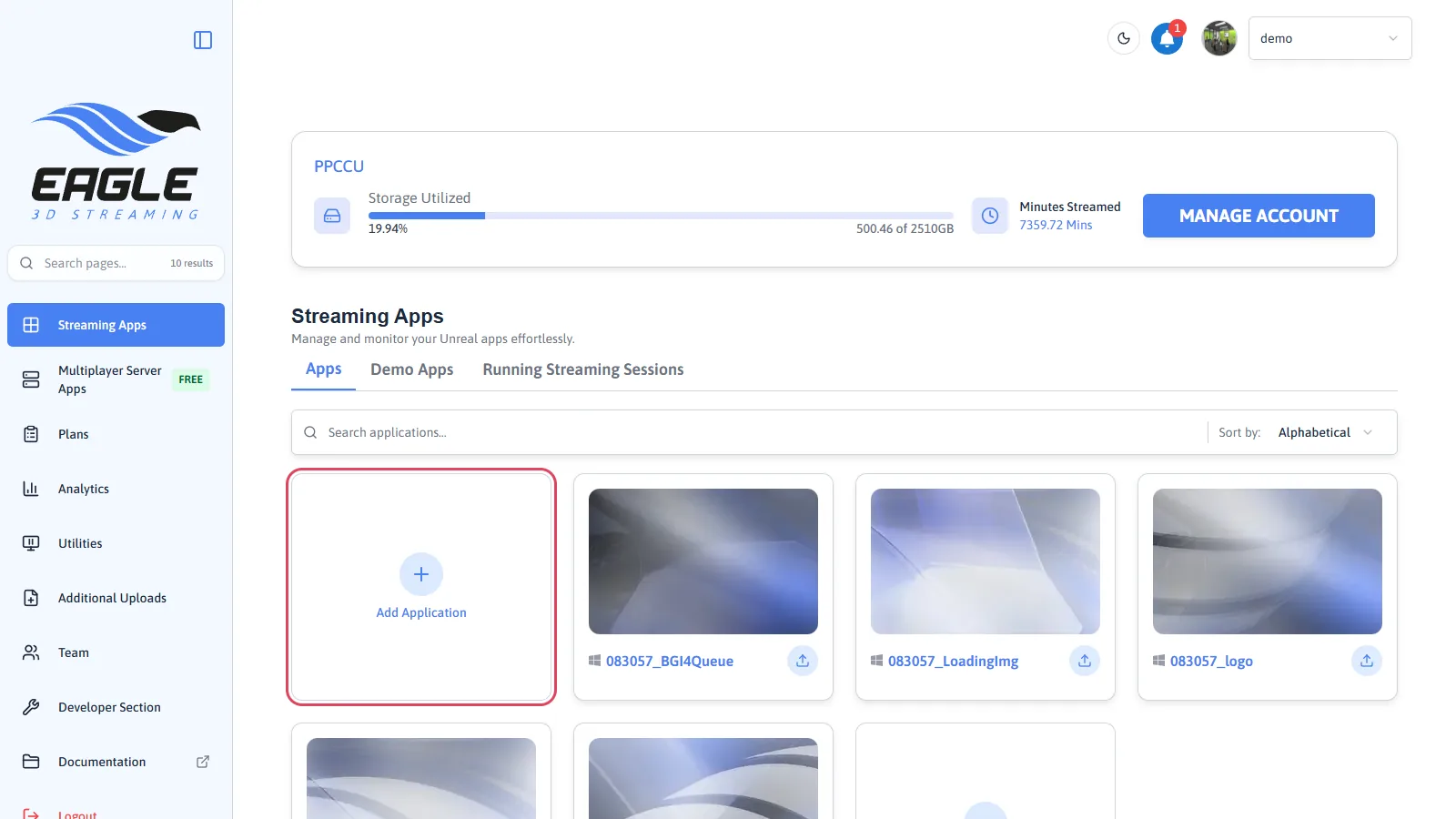
Add Application. -
Choose the ZIP you downloaded
Press Browse and pick the file, or drag it onto the window. Upload the ZIP itself; the platform unpacks it.
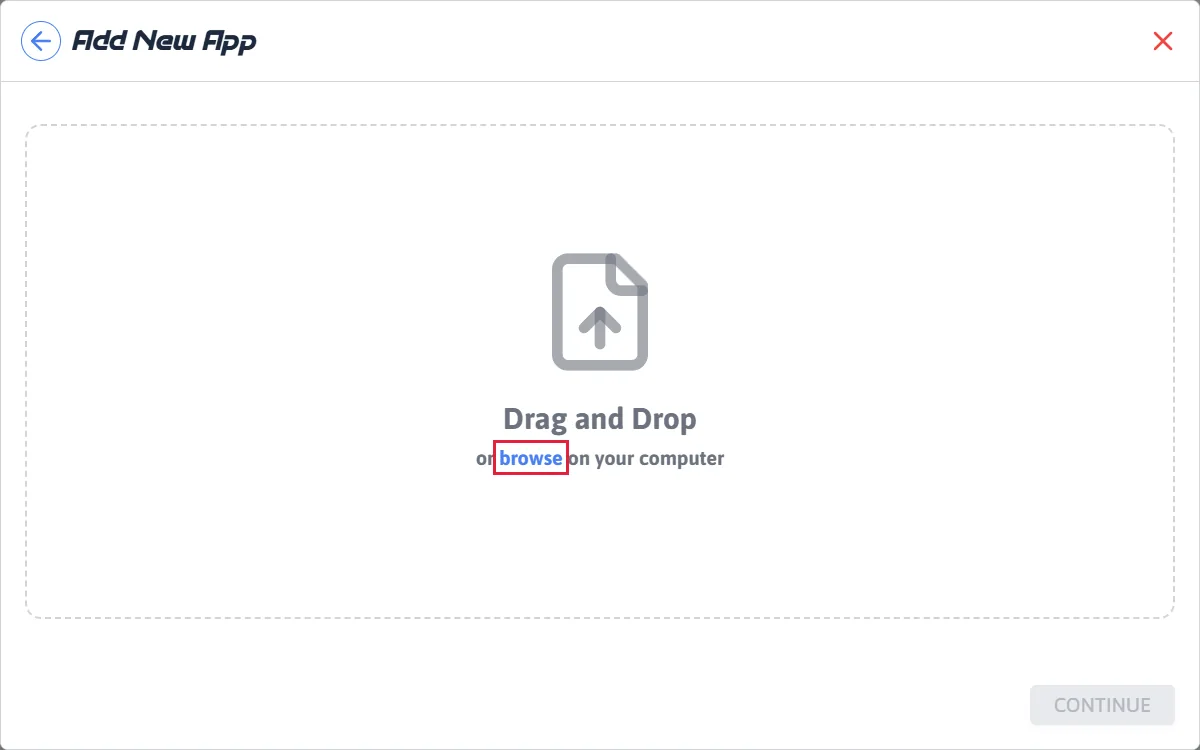
Browse, or drag the file in. 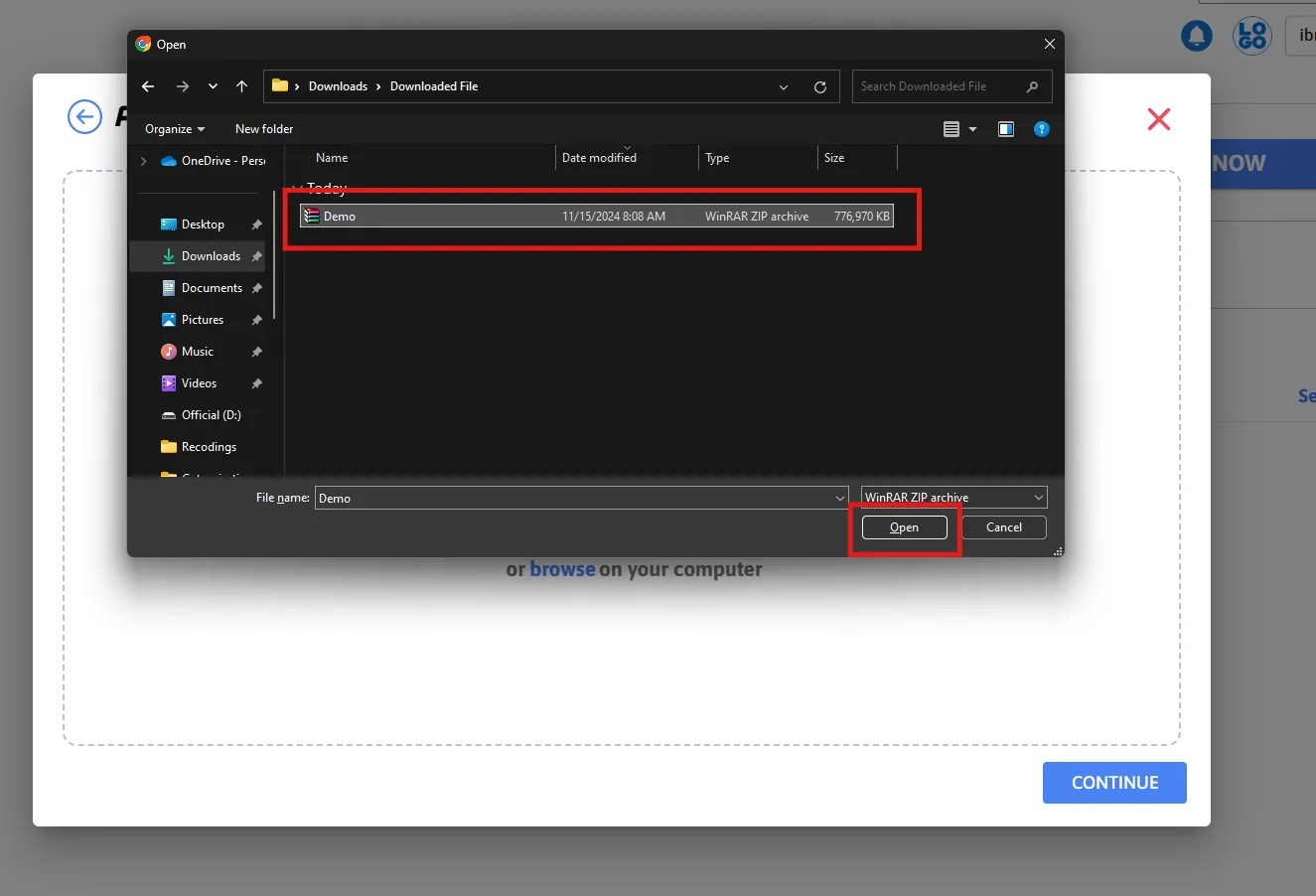
Selecting the downloaded ZIP. -
Name it and start the upload
Give the application a name and press upload. Two optional settings sit here: a thumbnail image (under 1 MB), and Send upload status updates by email, which mails you when the app is ready rather than making you watch the page. The name may not contain spaces or special characters.
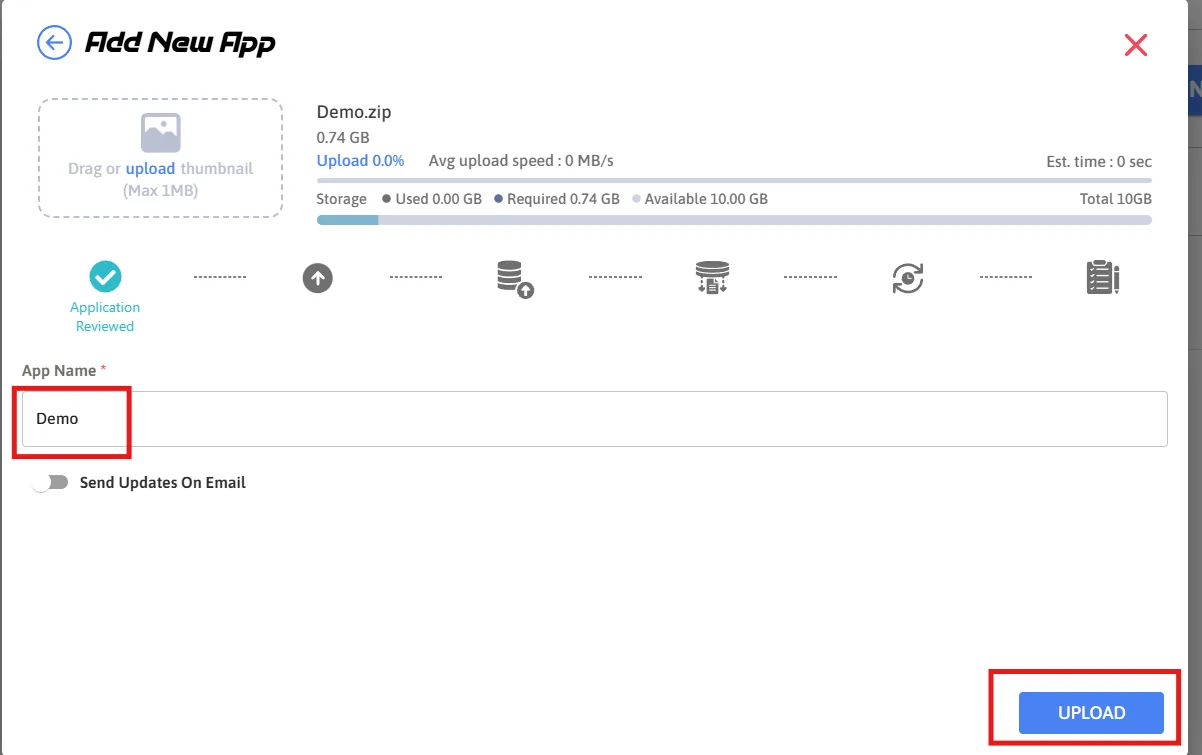
Naming the application. -
Wait for it to be prepared
The Control Panel shows an estimated time. The platform is unpacking the build and getting it onto a machine, so this is not only the upload — it continues after the file has finished transferring.
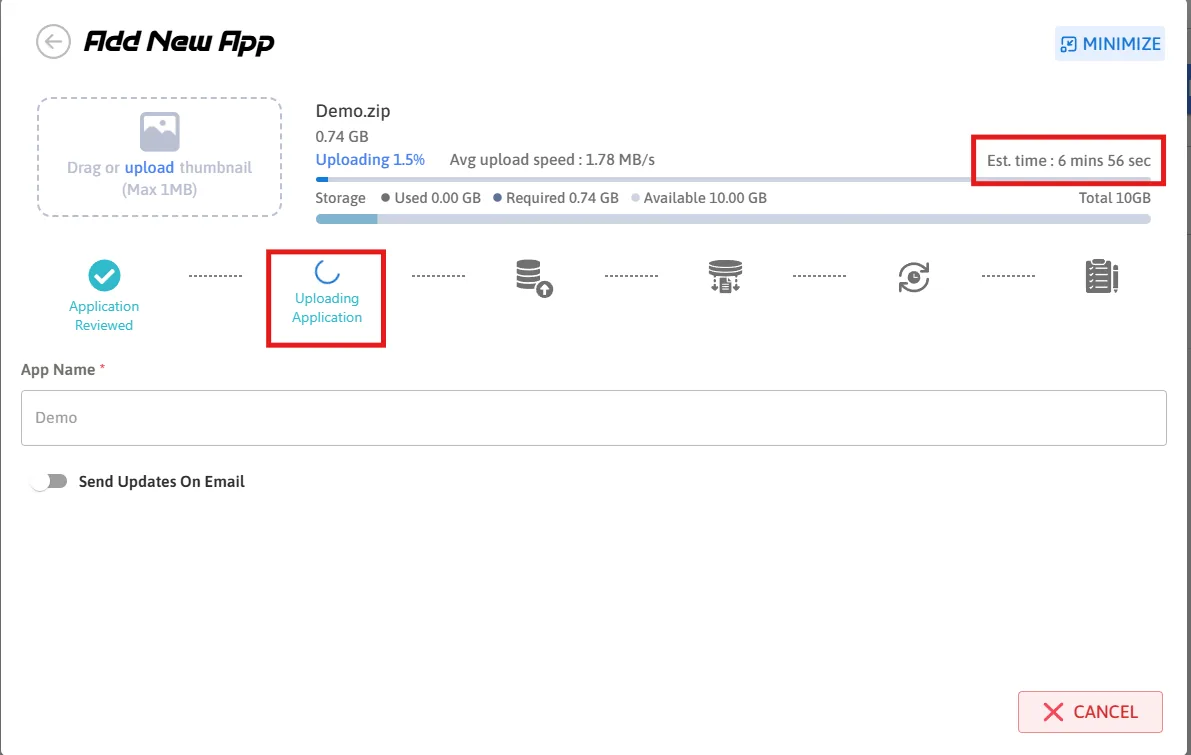
Uploading, with an estimate.
The application appears in your Control Panel and is no longer marked as preparing.
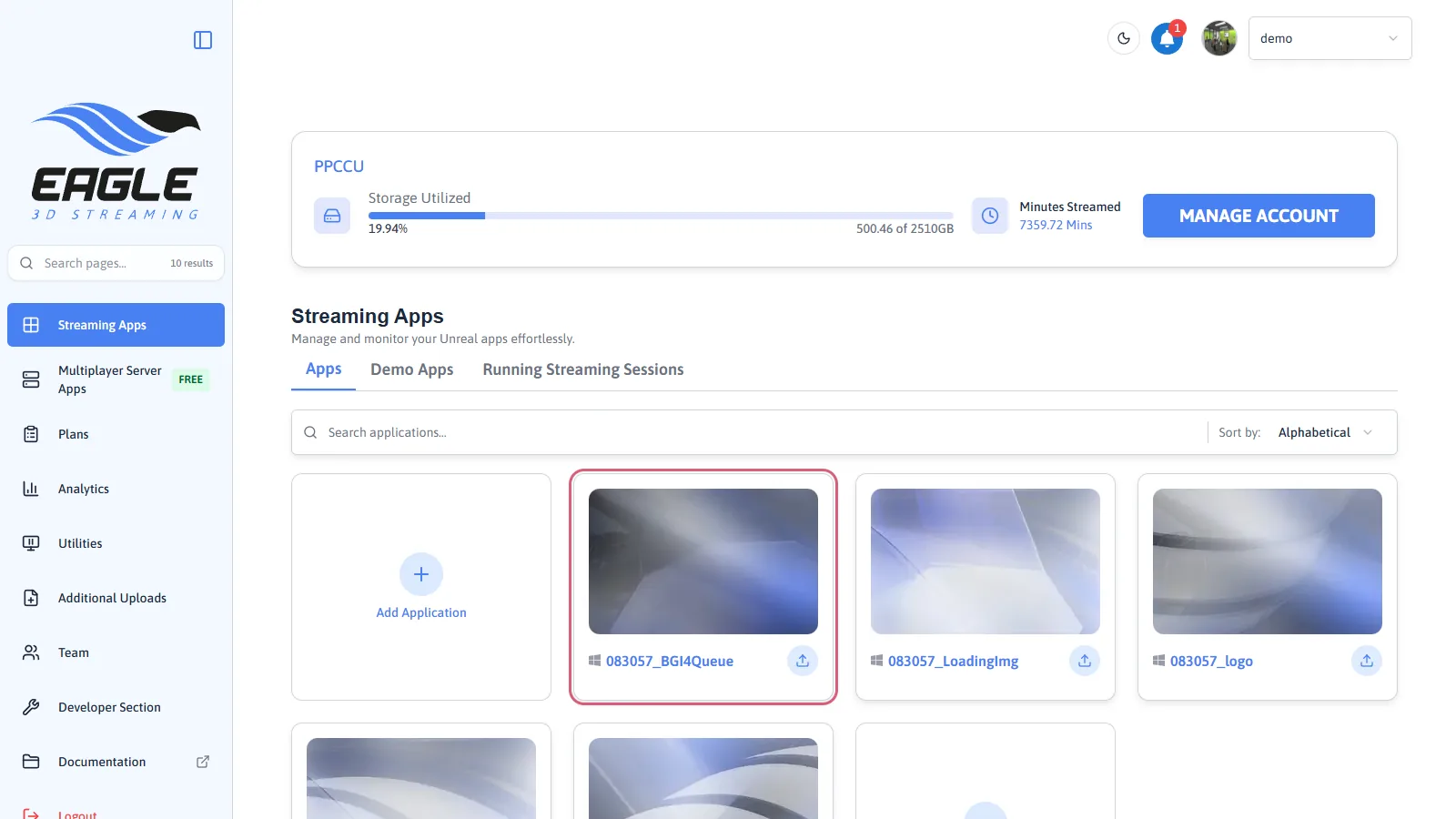
Stream it
-
Open the app and create a stream link
Click the application, then Create New Stream Link. The link is what you would send to someone else — anyone who opens it gets the stream, with no account of their own.
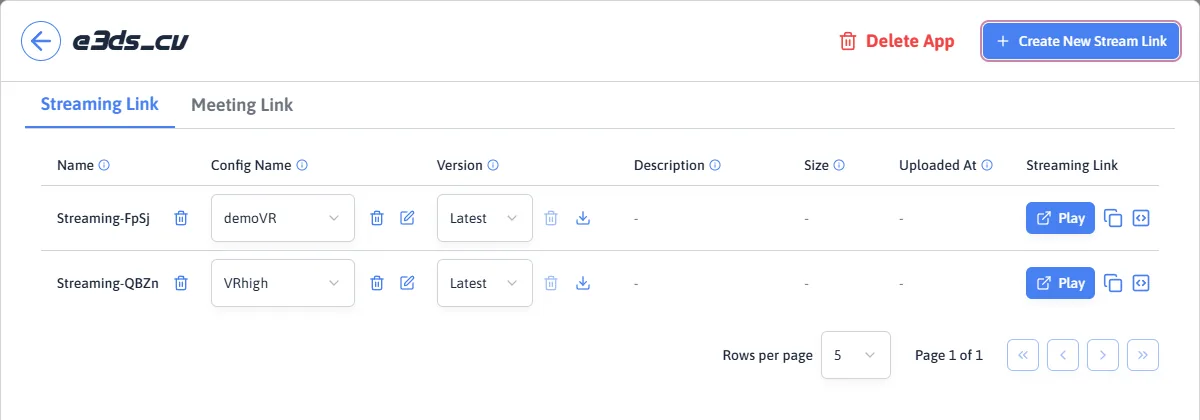
Create New Stream Link. -
Press Play
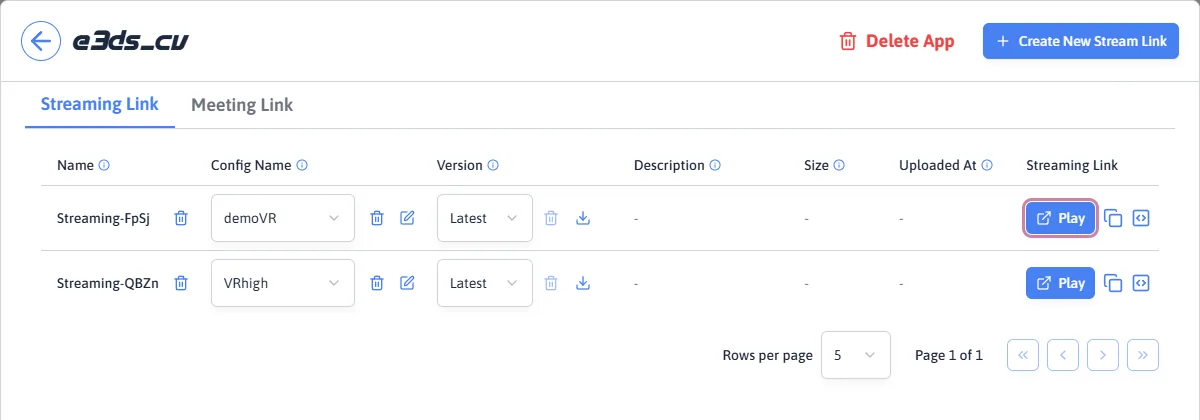
Play. -
Wait for a machine
A GPU machine is being started for your session. The loading screen shows while that happens; the first start of the day is usually the slowest.
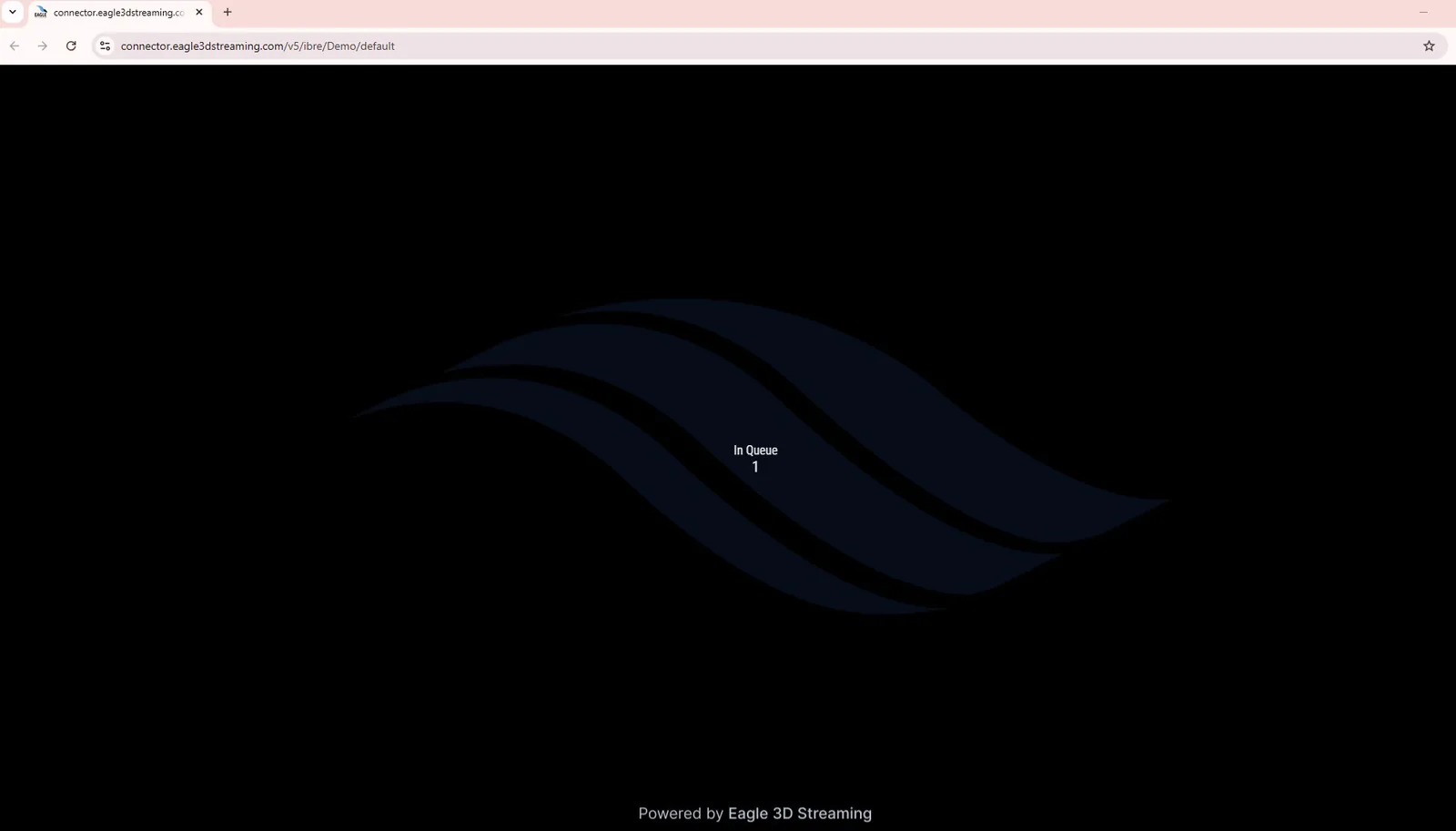
Waiting for a machine. -
Press Play
The stream waits for one click from you. That is the default: with Autoplay switched on (UI tab of the configuration) it starts without the click, although browsers still hold back the sound until the viewer has interacted with the page.
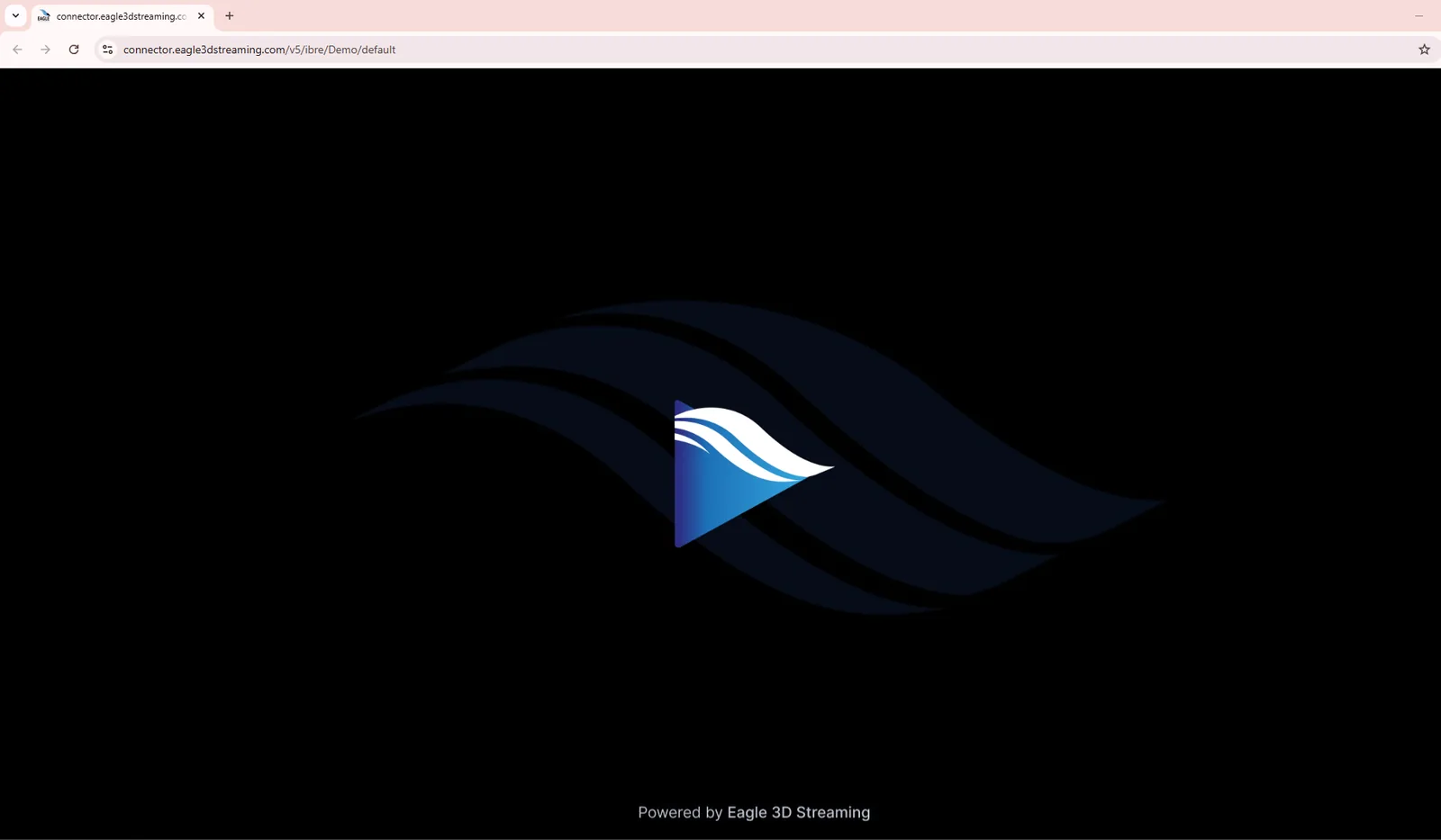
The play button.
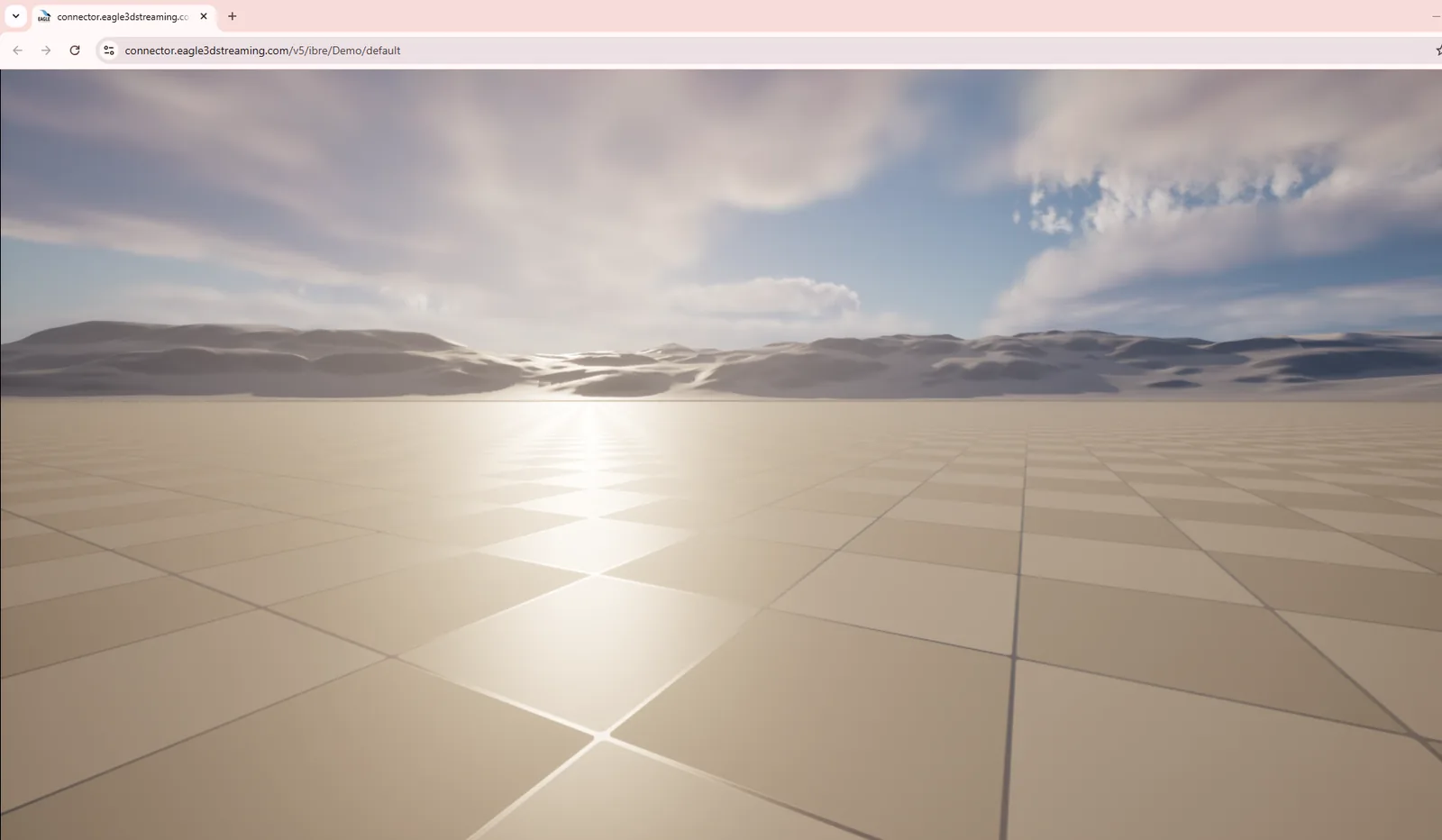
The application is running in your browser and responds to your mouse and keyboard. Everything you see is video from a machine in Eagle 3D Streaming's cloud.
Removing it afterwards
The sample has done its job once you have seen it stream. Deleting it keeps your Control Panel to the applications you actually care about.
-
Open the application
Open the application. -
Press Delete App
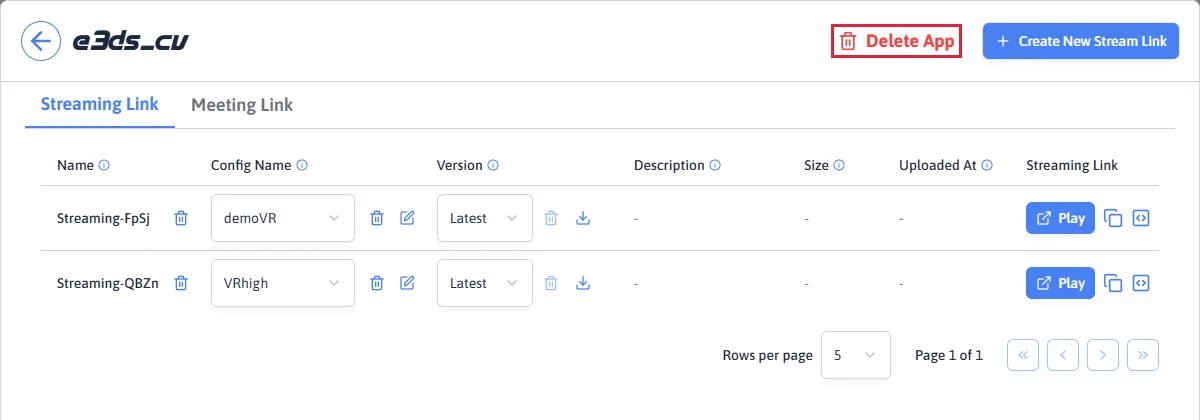
Delete App. -
Confirm
Deleting is permanent. To stream it again you would upload the ZIP once more.
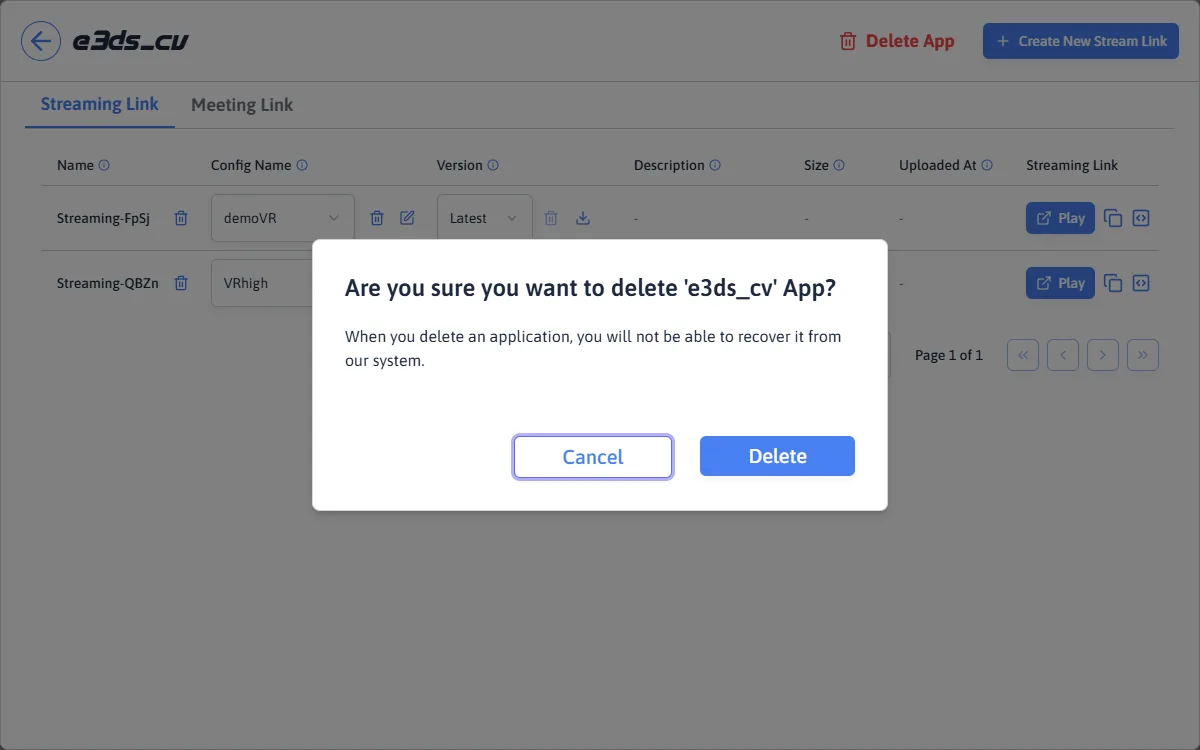
Confirming.
Enable Pixel Streaming, package for Windows, and produce the ZIP you upload.
Last updated