Demo apps
Ready-made applications streaming on Eagle 3D Streaming. Open one in any browser, on a computer, a phone or a headset, and share its link with anyone. Each shows a kind of project the platform streams, so you can see the result before preparing an app of your own. They are all in the Control Panel under Demo Apps.
Architecture and real estate
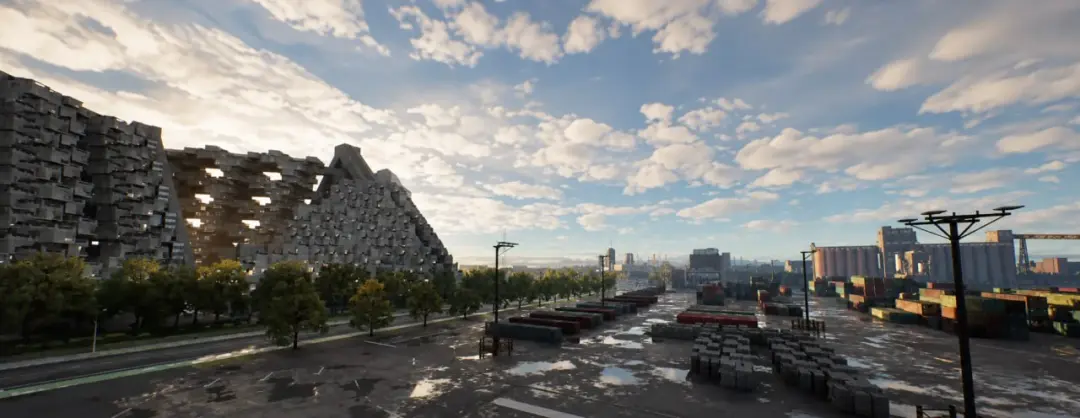
Hillside Project
Architectural visualisation of Moshe Safdie's Habitat 67 and an unbuilt proposal, with Nanite, Lumen and path tracing. A large, high-detail scene: a good test of how a heavy Unreal project feels in the browser.
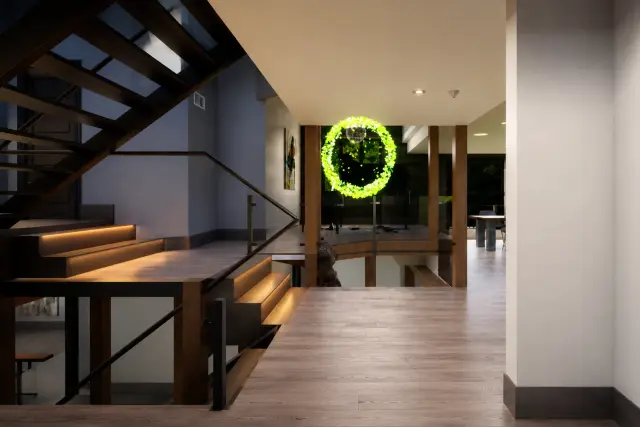
Chateauz
A high-fidelity XR interior by Mel Lim, built for enterprise and luxury brand activations. Shows walking through an interior, as a visitor to a show flat or a showroom would.
Automotive
Automotive Configurator
A car configurator: change the car's options and look at it from any angle, in real time. The pattern behind product configurators of any kind.
Games
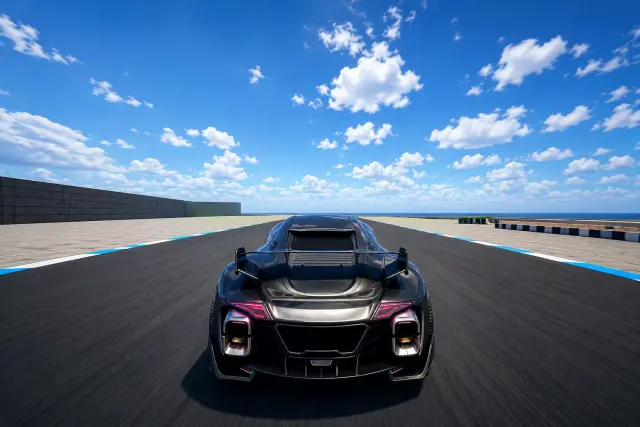
Molotov Cocktail
Real-time vehicle physics on a test track of ramps, speed bumps and curves, with live speed and gear. Fast input and fast motion: the demo to judge responsiveness with, including a game controller.

Valley of the Ancient
An open-world showcase: fly across a two-kilometre photorealistic landscape into a mythical realm. One of the largest demos, so its first start takes longest.
VR and multiplayer
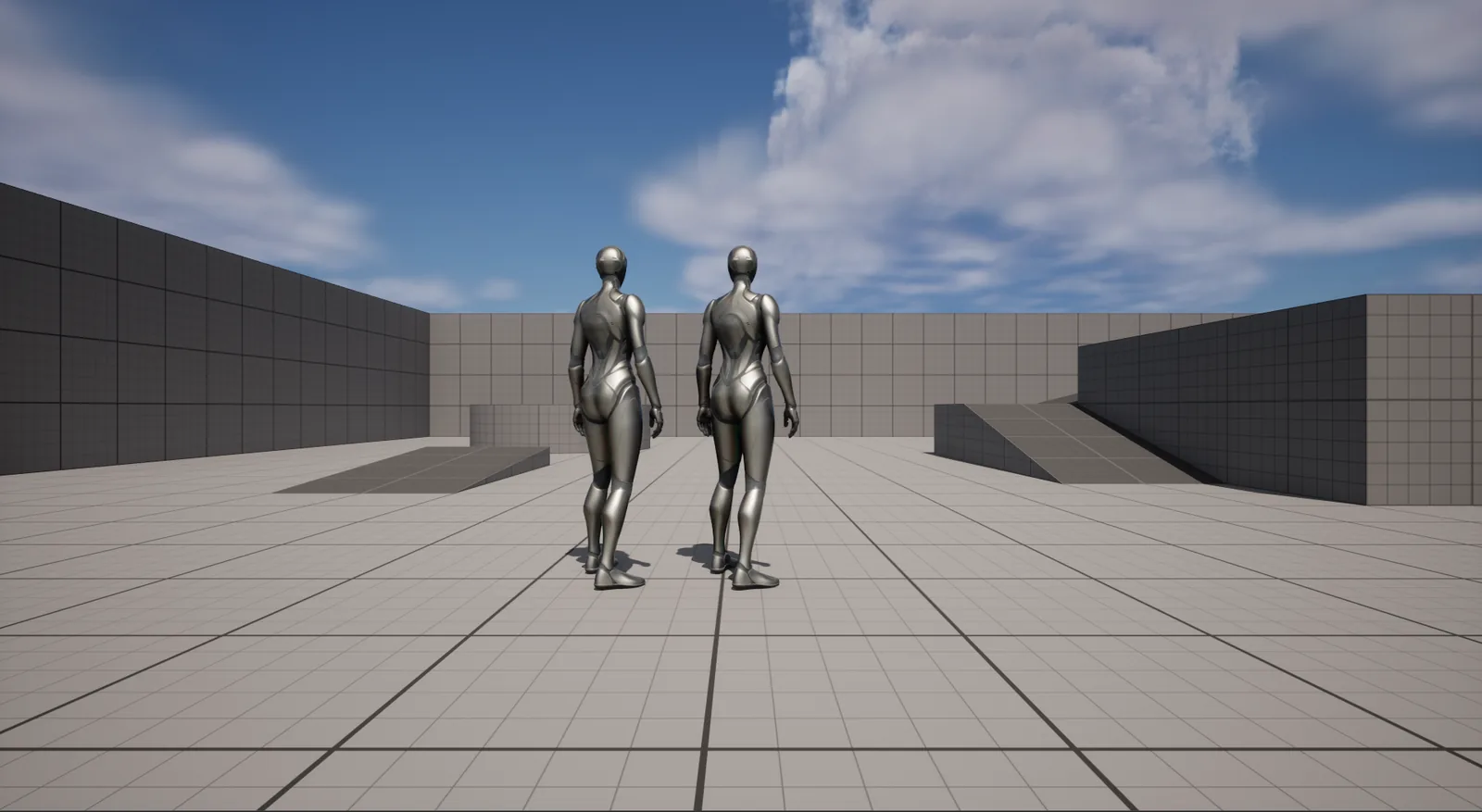
Multiplayer demo
Open it in two browsers and play in the same world, each from your own screen. See multiplayer Pixel Streaming for building your own.
VR demo
Open the link in a headset's browser; the rendering happens on Eagle 3D Streaming's GPU machines. See virtual reality Pixel Streaming.
NVIDIA Omniverse (beta)
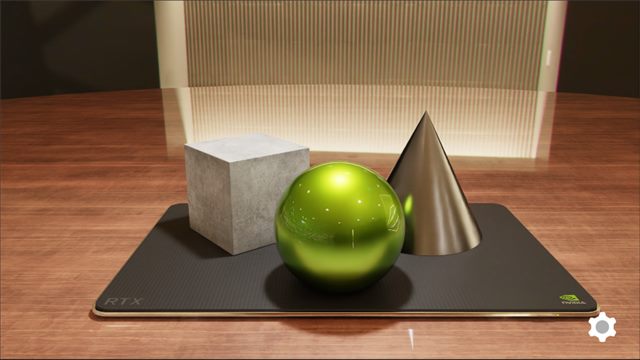
USD Viewer
NVIDIA's USD Viewer, an Omniverse Kit app, streamed in the Eagle 3D player: orbit, zoom and select with mouse or touch. Beta, one session at a time - if it is busy, try again in a few minutes. See NVIDIA Omniverse streaming.
USD Viewer in an iframe
The same app inside a web page. The page's own controls load USD files and select objects through messages, as NVIDIA's viewer does, and it shows each loading stage while the app starts.
Embedding in your own web page
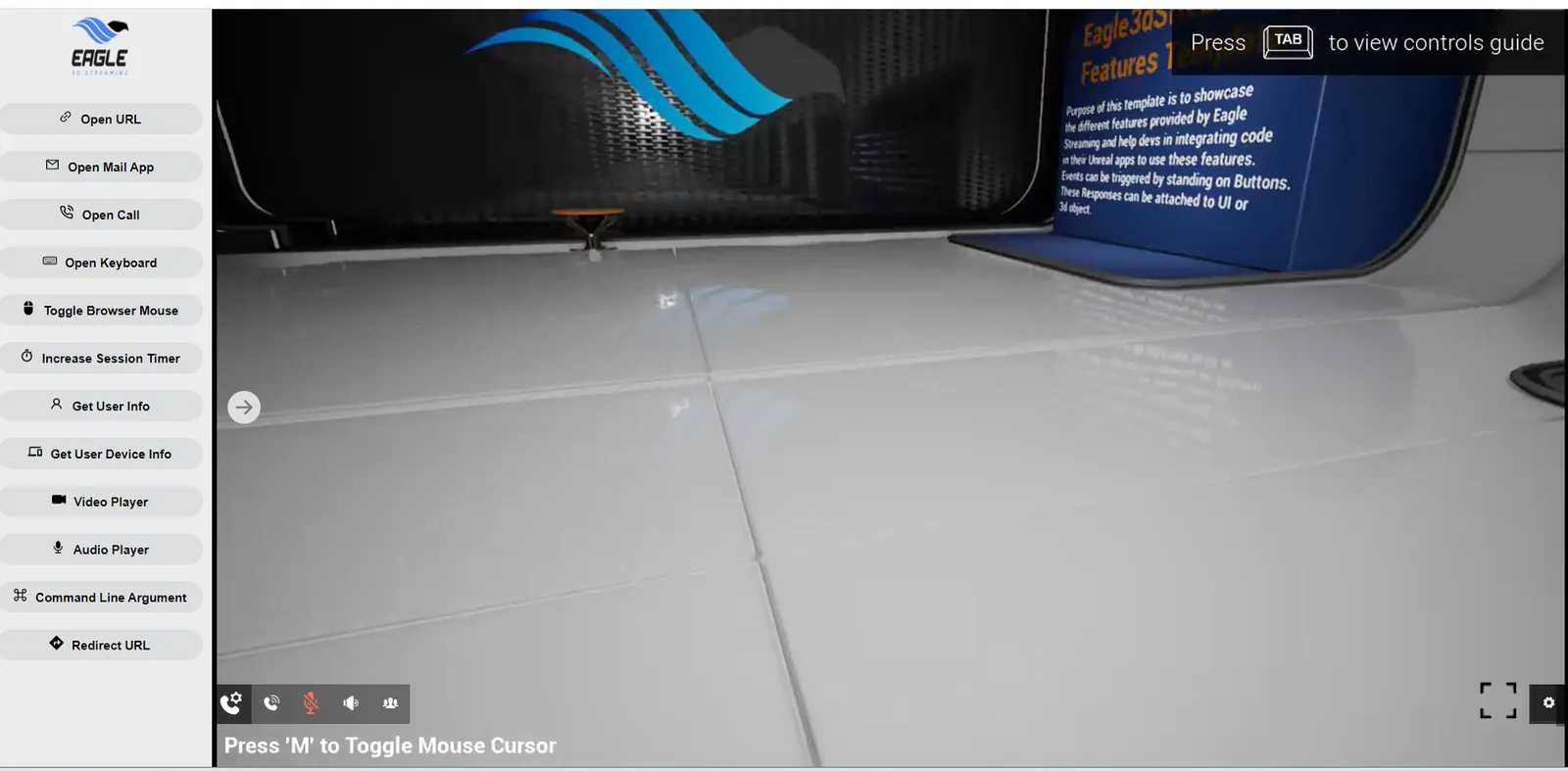
iframe demo
A web page that embeds a stream in an iframe and drives the app from outside it with messages. No account or key needed. Manual · source.
Web SDK demo
The stream rendered directly in the page with the JavaScript SDK, so your own code controls the session. Manual · source.
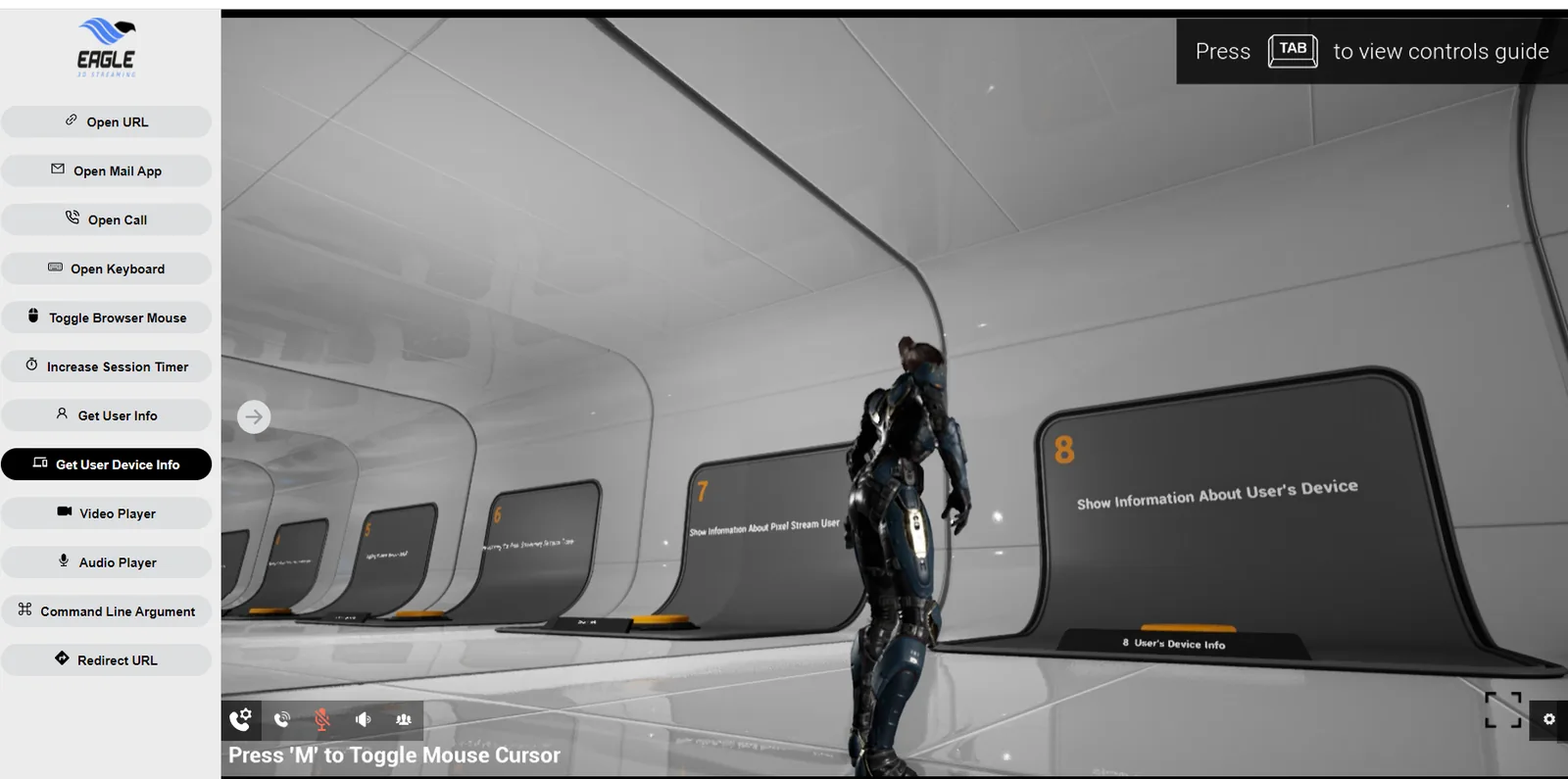
iframe and Blueprint demo
Teleporting an avatar, opening URLs and switching maps from the web page, with the Blueprint side to match. See the iframe demo page.
The E3DS Starter App in your account
A template app that shows the main streaming features, already in every account. Find it in the Control Panel under Demo Apps, card E3DS Starter App: Play App opens it, and the copy buttons give its link and an iframe snippet for your own page. Its configuration is fixed and the app cannot be deleted. On your own machine it can also stand in for an upload: see update without uploading.
Frequently asked questions
Do demo apps use my storage?
No. The E3DS Starter App is stored once by Eagle 3D Streaming and shared by every account, and the showcase demos live in Eagle 3D Streaming's own account.
Can I share a demo link?
Yes. Anyone can open any of the links on this page, with no account. A shared E3DS Starter App link shows your username as the owner.
Why does a demo take a while to start the first time?
A GPU machine is started and, if it does not have the demo yet, downloads it first. The biggest demos (Valley of the Ancient, Hillside Project) take longest; later starts on the same machine are faster.
Upload a packaged sample to your own account and stream it.
Last updated