Meeting links
With an Eagle 3D Streaming meeting link, one person hosts a live session and everyone else joins it — watching the same stream, in the same state, from a link. Nobody but the host needs an account.
An ordinary stream link gives each viewer their own private session. A meeting link does the opposite: everyone who opens it lands in the same running session, seeing the same thing at the same moment. The host decides who may drive it.
A client review, a walkthrough, a demo to a room — anywhere the point is that everyone sees one thing together. If people should each explore on their own, an ordinary stream link is what you want, because a meeting is a single session and a single set of controls.
Create the link
-
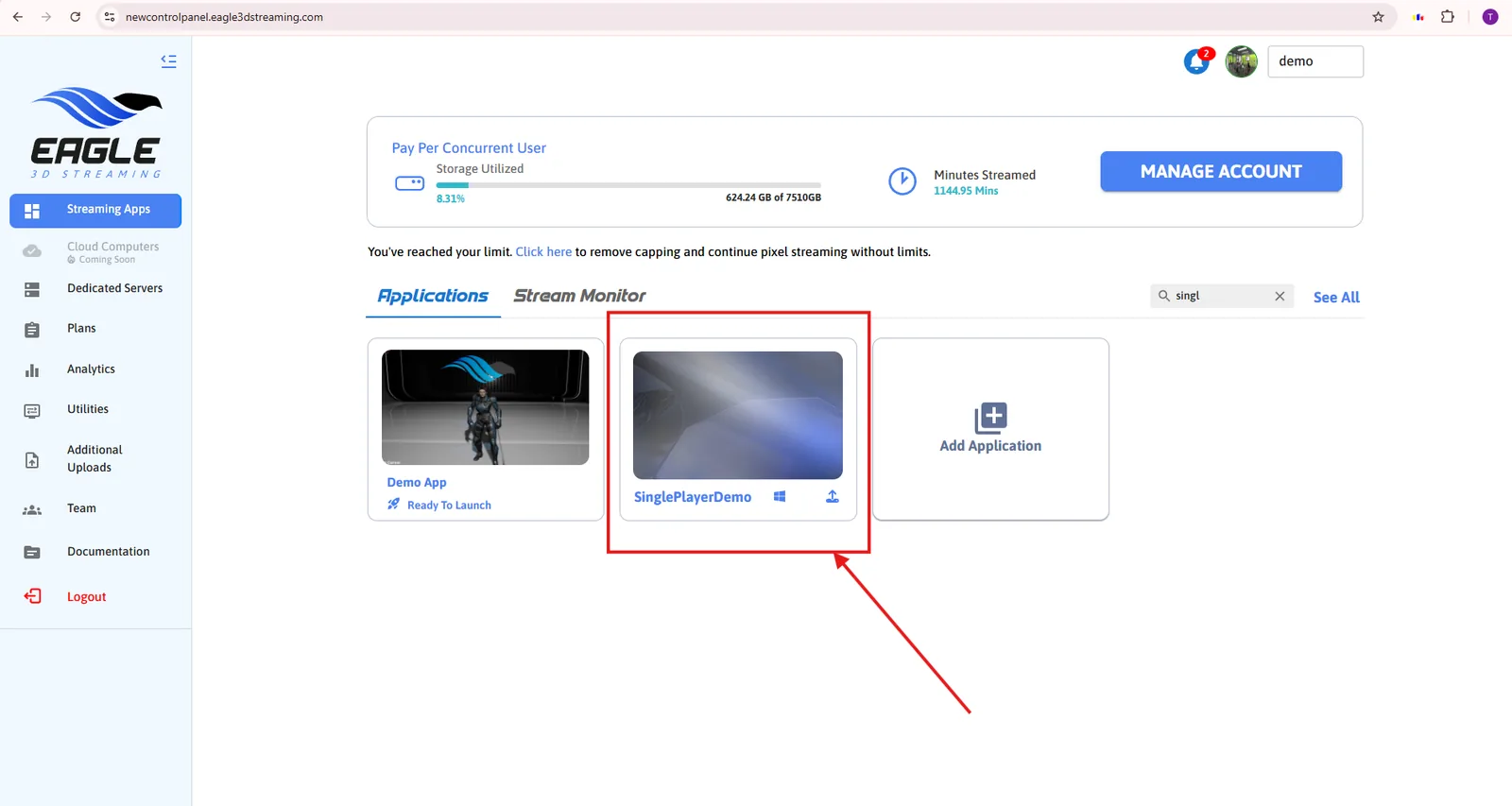
Sign in to the Control Panel and open the app you want to stream.
-
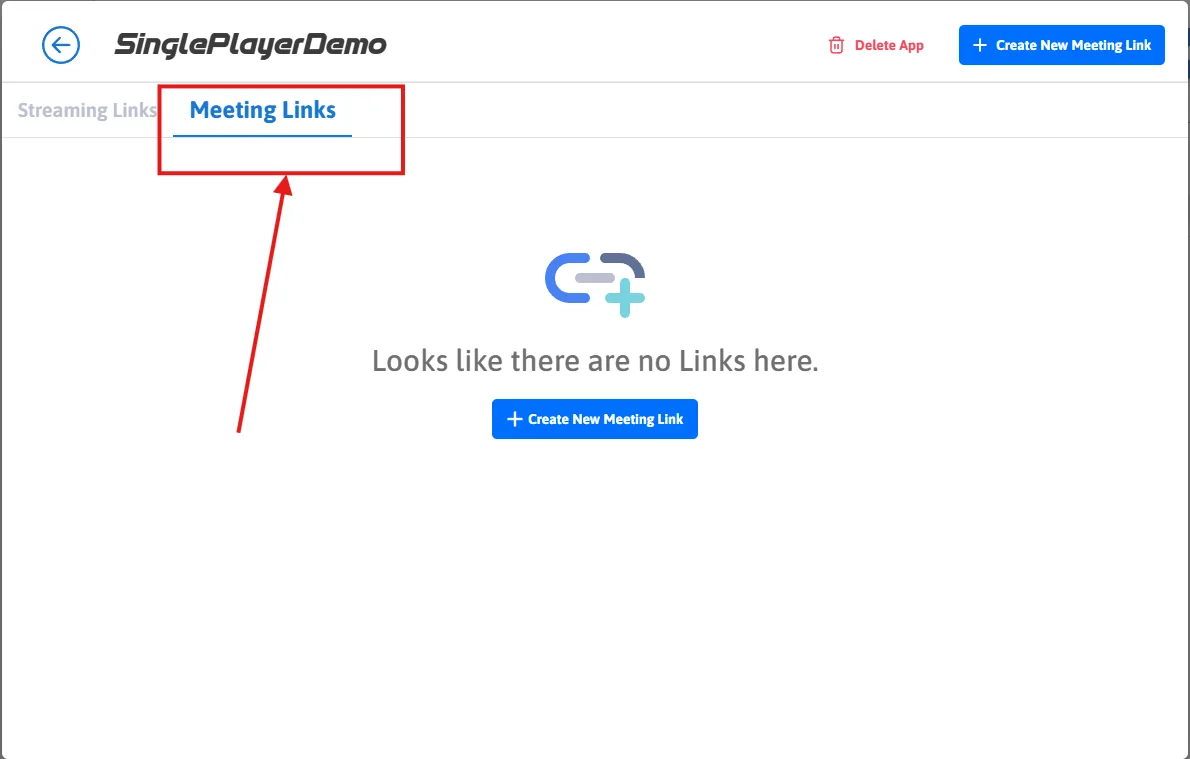
Go to Meeting Links.
-
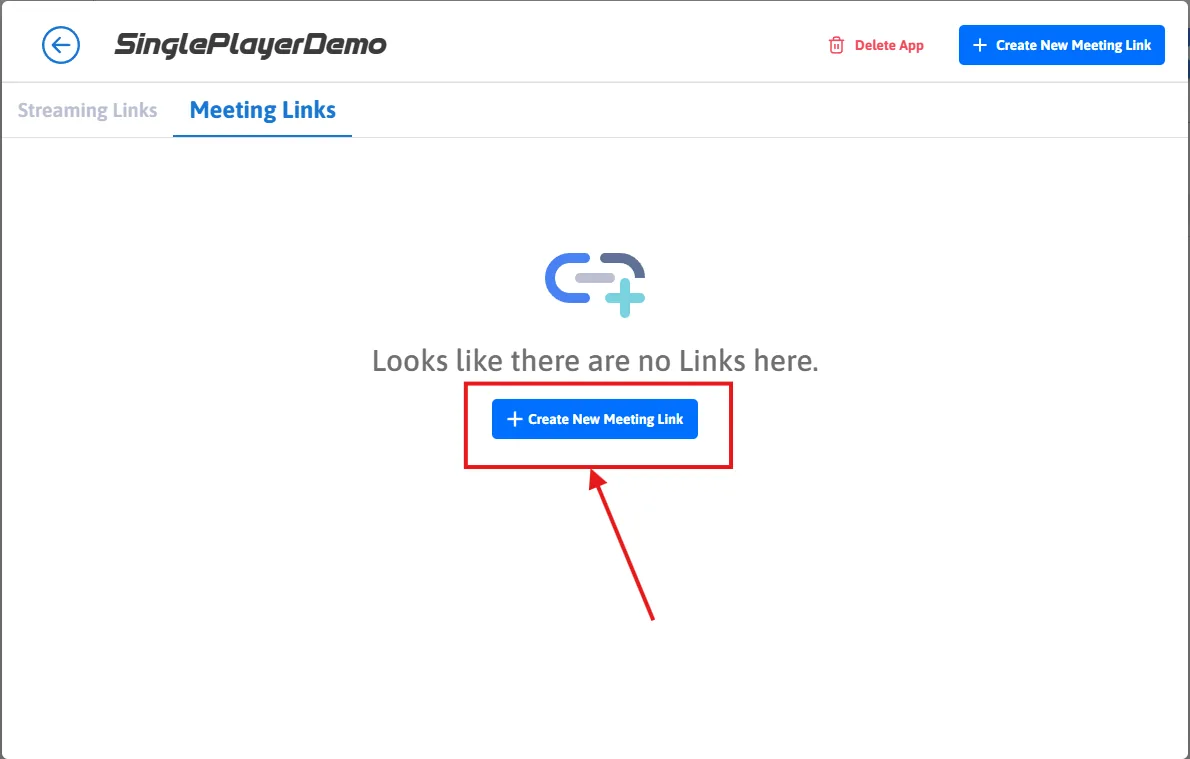
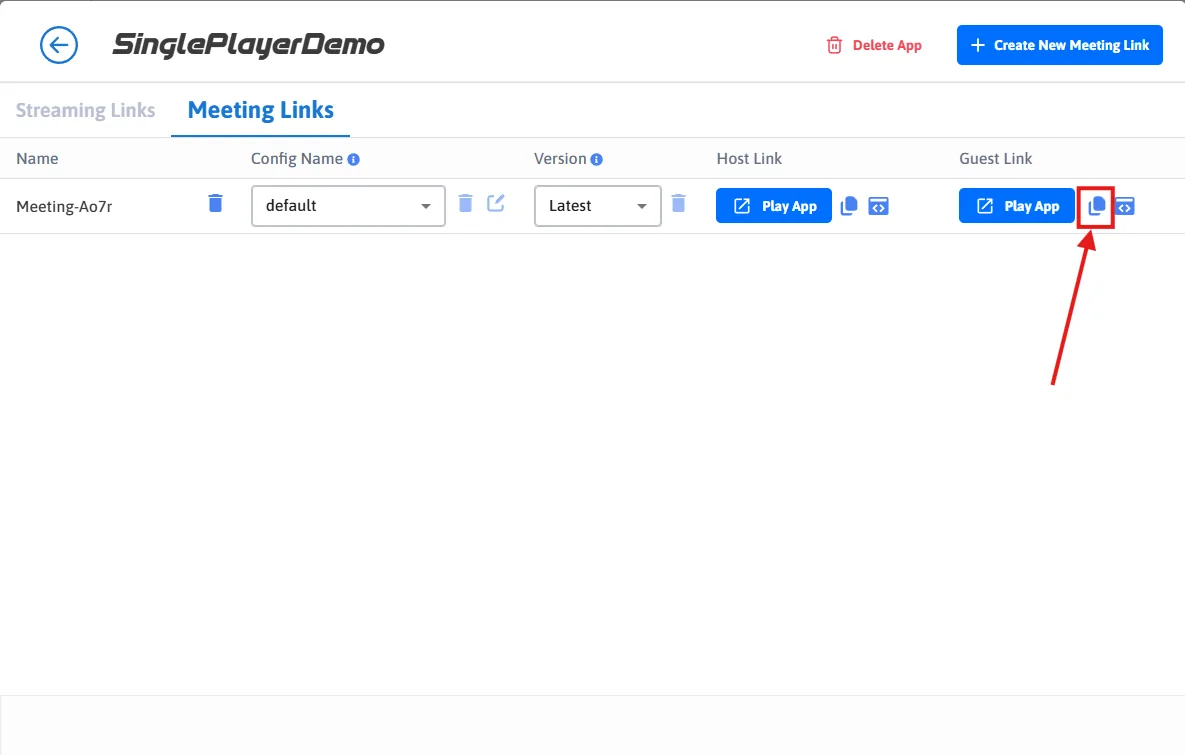
Choose Create New Meeting Link. You get two addresses: one to host with, one to share.
Host the meeting
Open the host link and press play. That starts the session — the machine, the app, the stream — and nothing exists for guests until you do.
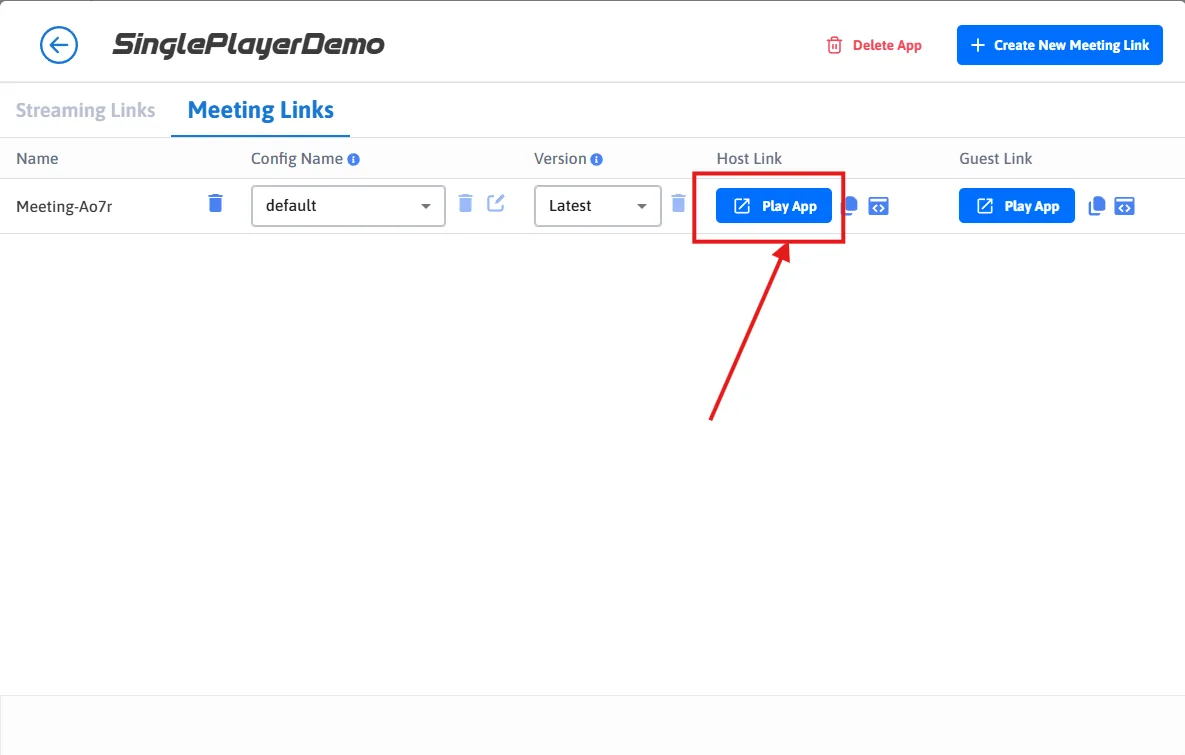
Then copy the guest link and send it to whoever should attend. It needs no account and no sign-in: opening it joins the session already running.
Guests
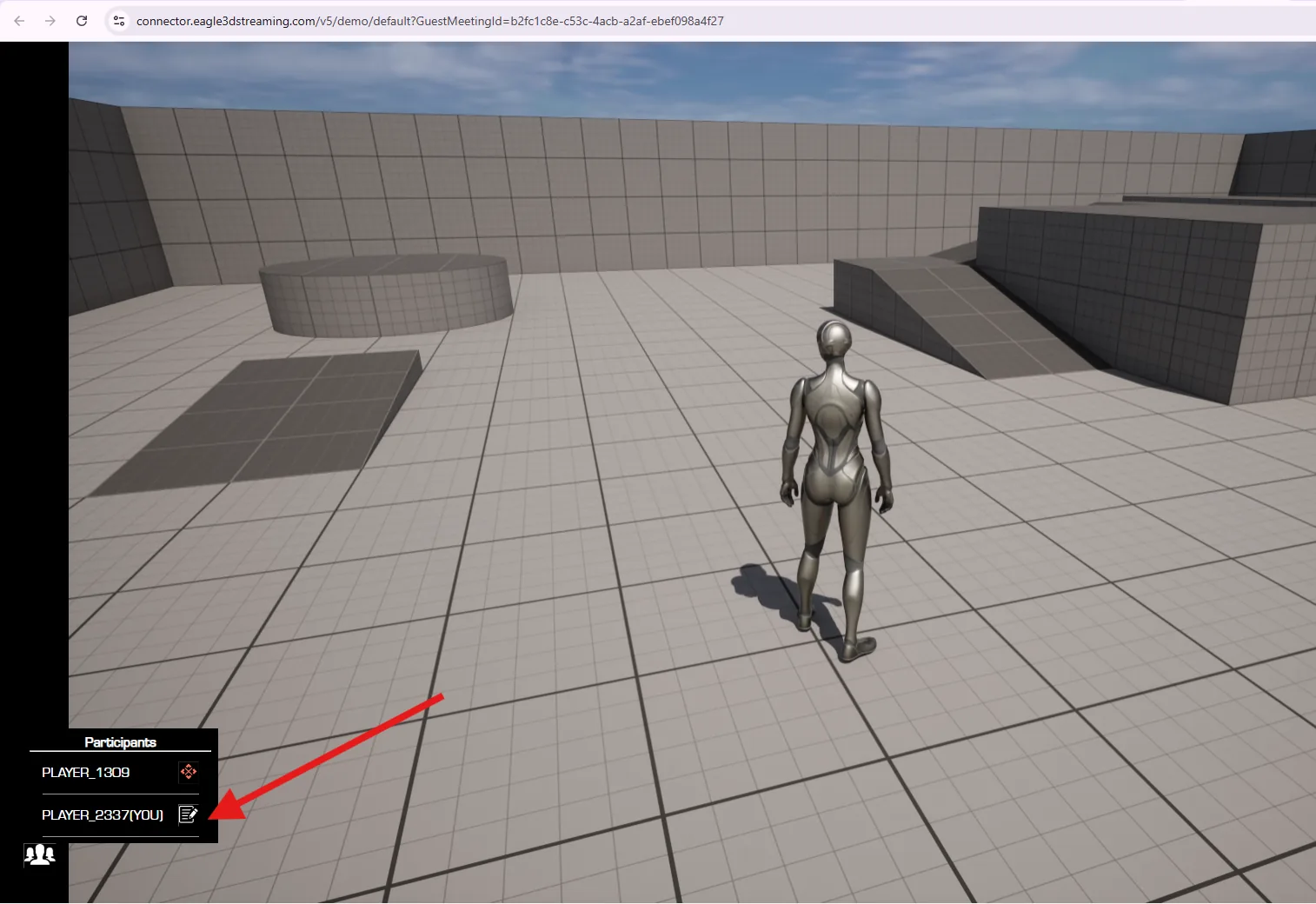
A guest arrives watching. They can set their own display name, which is what the host sees in the participant list — worth asking people to do at the start if you intend to hand out control.
What the host controls
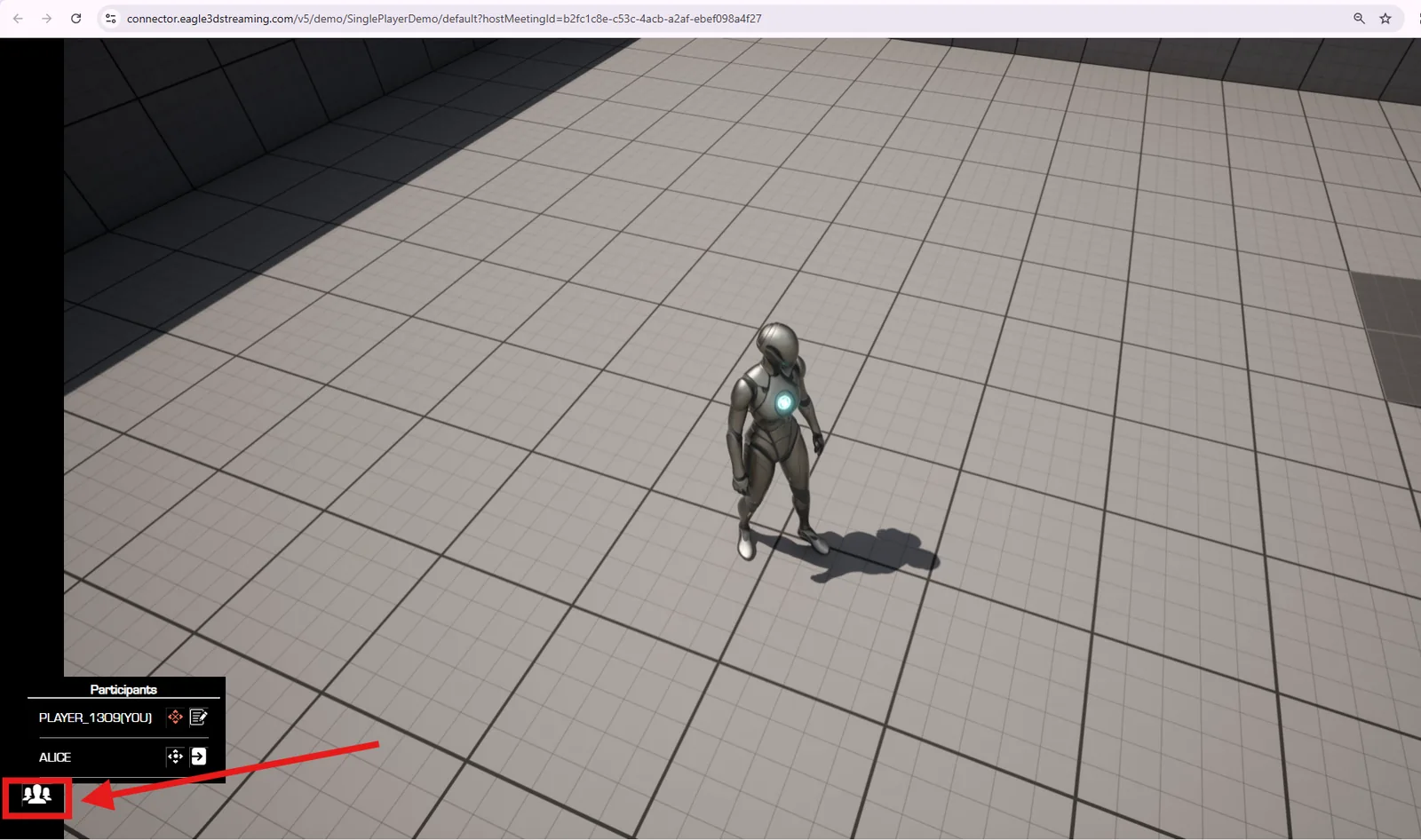
The host sees every participant, and has two actions against each one.
| Action | Where | What happens |
|---|---|---|
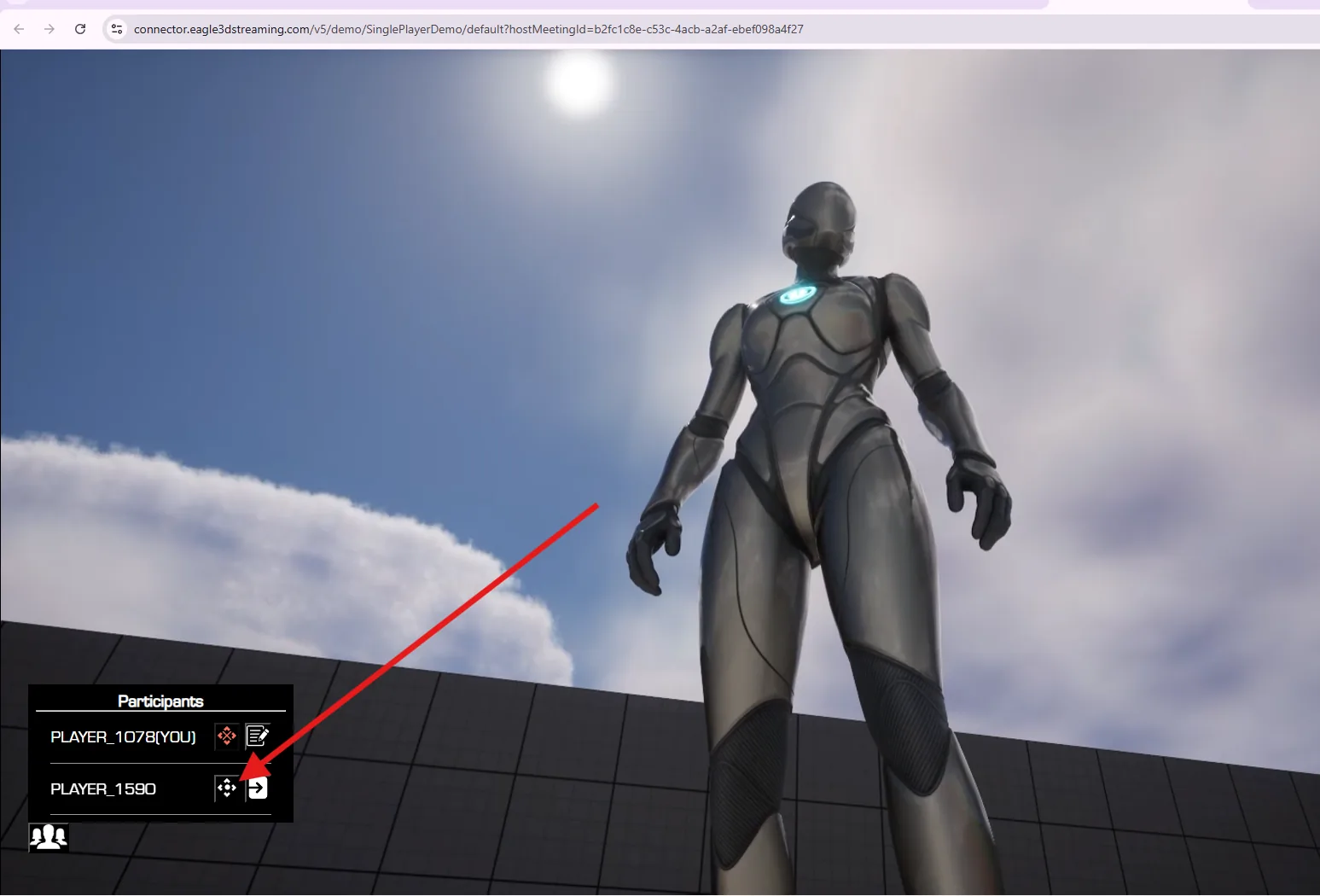
| Give control | The allow icon, right of the name | That guest can drive the app — mouse, keyboard, whatever your app accepts. Revoke it the same way. |
| Remove | The kick-out icon, next to the name | The guest is dropped from the stream immediately. They can rejoin if they still have the link. |
Seeing what is running across your whole account, and ending what should not be.
Last updated